

Great films are made together.
A shared creative workspace for writers’ rooms, filmmakers and studios, from the first story to the final draft.
A writers’ room, wherever you are.
Invite writers, editors and producers into the project by email. Each person can edit or view, and every note sits next to the line it’s about.
Explore Collaboration →Every direction deserves a draft.
Branch the script to try another direction while the Main draft stays exactly as it was. Each branch keeps its own version history, so a named version, like a table read, is always there to go back to.
Explore Branches →INT. GRIMWICK CASTLE - UNDERCROFT - NIGHT
FATHER EDMUND
Why are you dragging gunpowder beneath the castle?
CECILIA
Because dragging it above the castle would be considerably more difficult.
MIKE arrives and immediately makes everything worse.
Drafts
Share the work. Keep control.
Projects are private until you invite someone. Give each person edit or view access, change it or remove it at any time.
- Invitations by email, with a pending state until they’re accepted
- Can edit or Can view, set per person
- A project link only opens for people you’ve invited
Share Grimwick
Invite collaborators and manage Project access.
People with access
General access
Keep the story and the world around it together.
Story, Script, Characters, Places, Whiteboards and Production live in one project. A scene card knows who is in it and where it happens, and the screenplay page is one click away.
Explore Whiteboard →
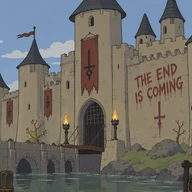 Grimwick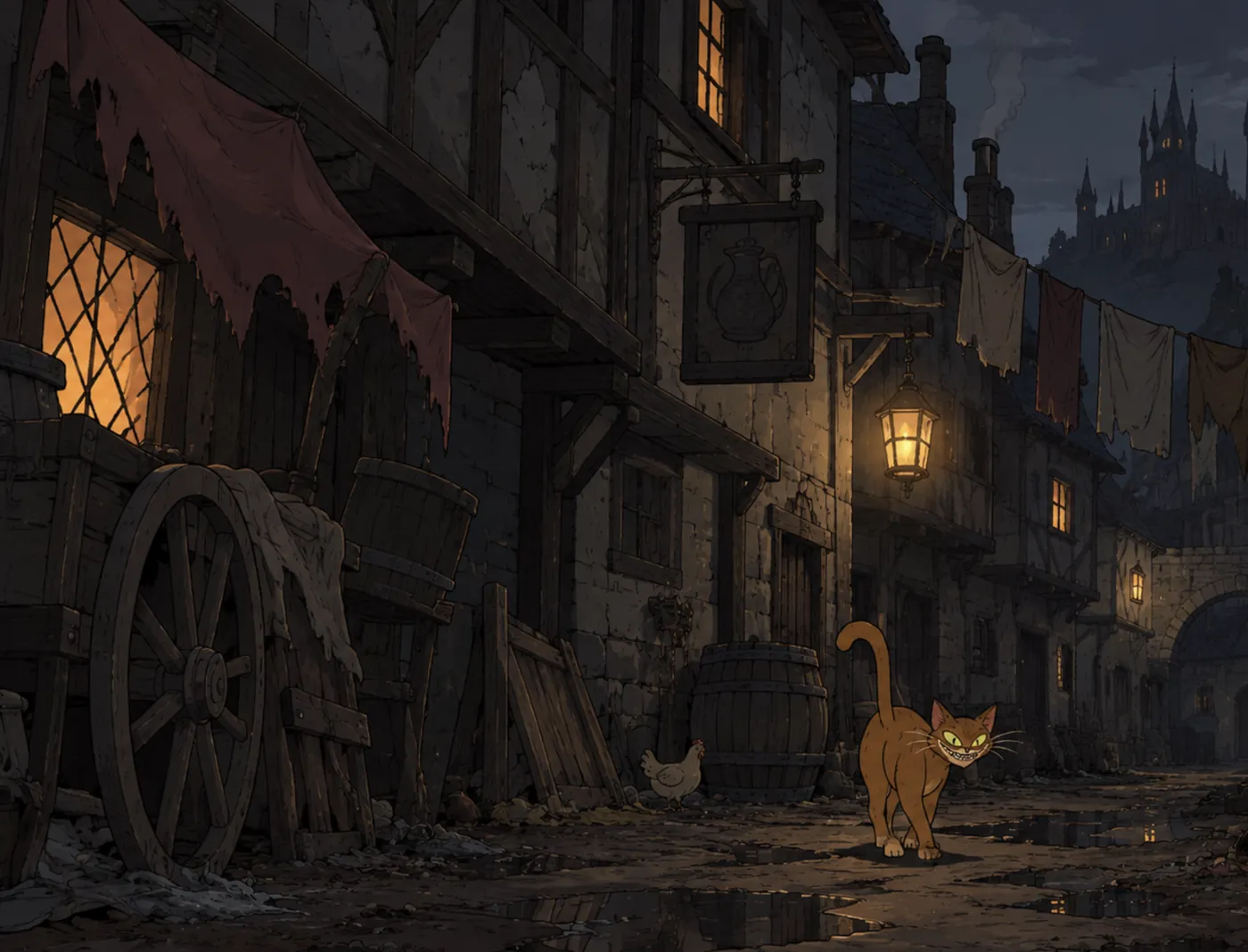
From draft to development.
Export a submission-ready PDF, Word, Fountain or plain-text file, with a title page, a copyright notice or an anonymous submission. Hand the project to an AI assistant as agent-ready Markdown.
Explore Export →


An assistant that understands the project.
Co-writer reads your Story, Script, Characters and Places, answers in that context and proposes changes. Nothing in the manuscript changes until a writer accepts it.
Explore Co-writer →

Her dialogue hints at a much longer history without explicitly revealing her identity. Father Edmund’s growing suspicion creates tension, while Mike’s interruption prevents the scene becoming too explanatory.
Proposal · Scene 002
Add a pause after “Edmund stares at her.” before he speaks.
Ask Co-writer…
GrimwickAutoPlan the shoot from the script.
Turn screenplay scenes into Production scenes, then break each one into shots with their size, movement and references. The production team works from the same pages the writers do.
Production scenes, shots and references are on the Director plan.
Explore Production →
Scenes
Beneath the Throne
Scene 002 · 3 shotsINT. GRIMWICK CASTLE - UNDERCROFT - NIGHT
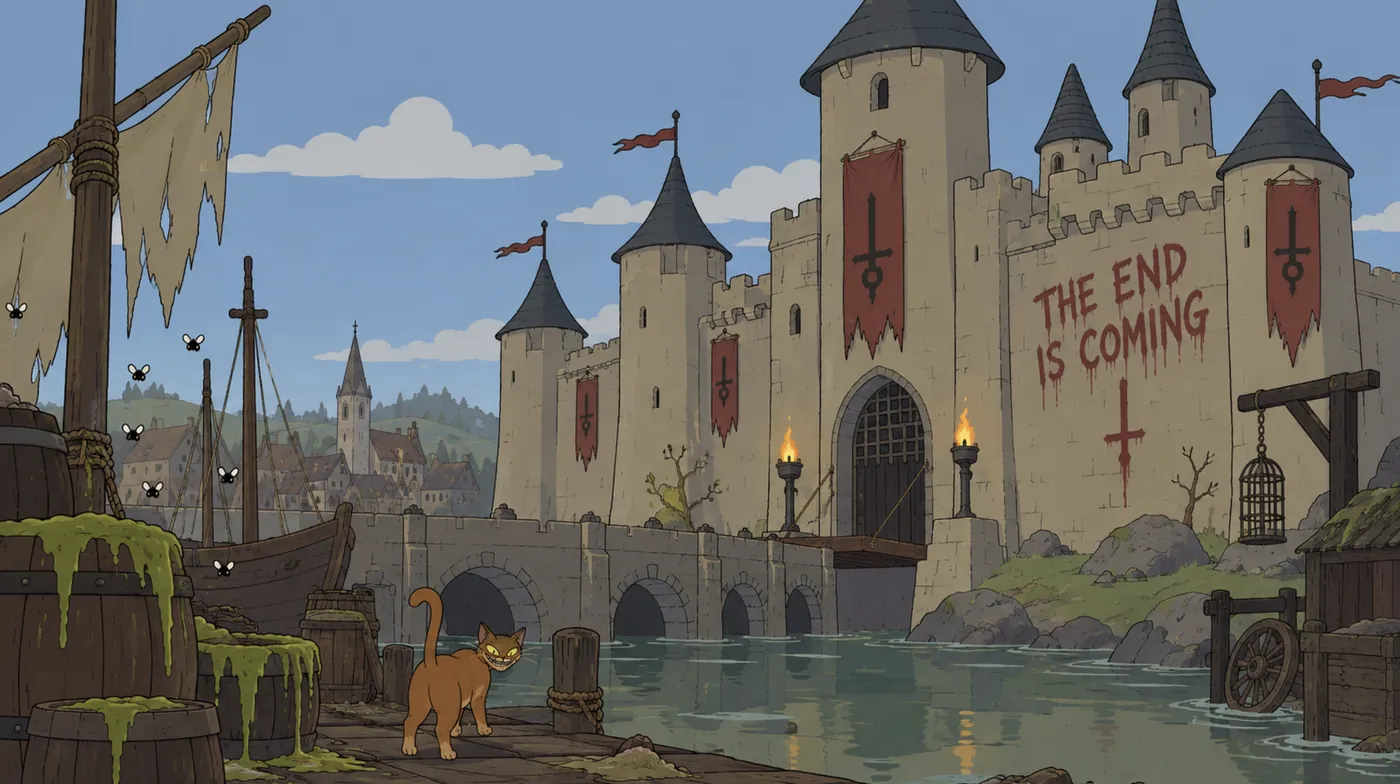 References · Grimwick Castle
What your team can count on today.
Private by default
Projects are private until you invite someone. Each person you invite can edit or view.
You own your work
You keep ownership of your screenplays, stories, characters and anything you upload.
Take it anywhere
Export PDF, Word, Fountain, plain text and Markdown on every plan, with no watermark.
Writing kept safe
Autosave with recovery, and version history you can restore from without losing your current draft.
Set up with us
Tell us about your writers’ room, studio or school and we’ll work out the right setup with you.
Privacy, in plain words
Read how Scriptr handles your data in our Privacy Policy, or ask us directly.

Bring your team to Scriptr.
Tell us about your team. We’ll take it from there.
Talk to usGreat films are made together.
A shared creative workspace for writers’ rooms, filmmakers and studios, from the first story to the final draft.
Talk to usExplore collaboration →A writers’ room, wherever you are.
Invite writers, editors and producers into the project by email. Each person can edit or view, and every note sits next to the line it’s about.
INT. GRIMWICK CASTLE - UNDERCROFT - NIGHT
FATHER EDMUND
Why are you dragging gunpowder beneath the castle?
CECILIA
Because dragging it above the castle would be considerably more difficult.
Edmund stares at her.
Maya · EditorHold on her eyes a beat longer.
Every direction deserves a draft.
Branch the script to try another direction while the Main draft stays exactly as it was. Each branch keeps its own version history, so a named version, like a table read, is always there to go back to.
Drafts
Share the work. Keep control.
Projects are private until you invite someone. Give each person edit or view access, change it or remove it at any time.
Share Grimwick
People with access
General access
Keep the story and the world around it together.
Story, Script, Characters, Places, Whiteboards and Production live in one project. A scene card knows who is in it and where it happens.
GrimwickSCENE 002
Beneath the Throne
In this scene
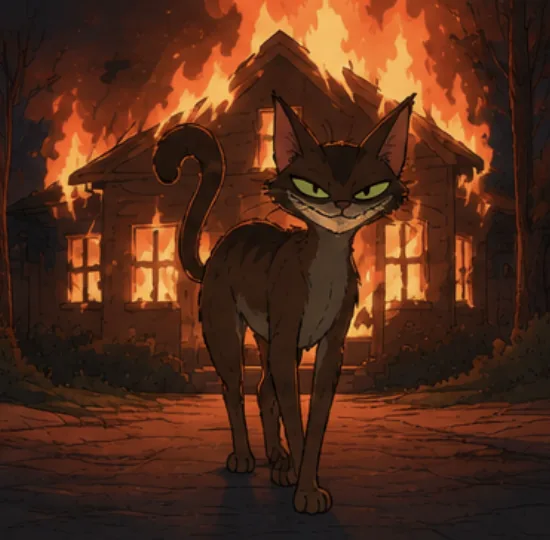 Cecilia
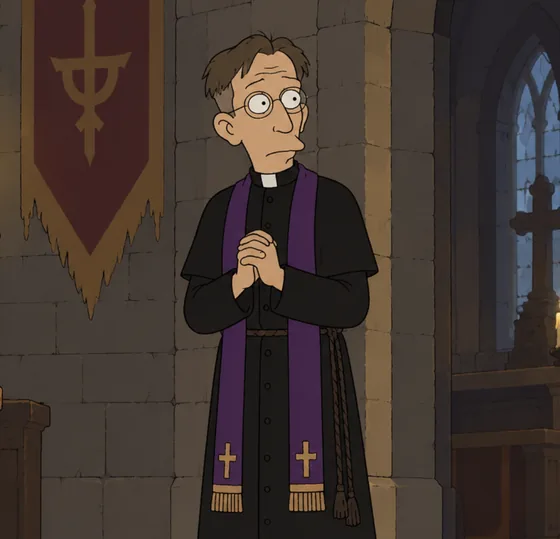 Father Edmund
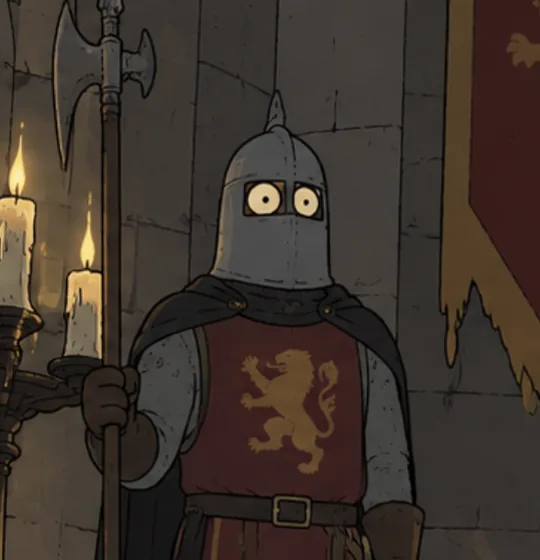 MikeGrimwick Castle
From draft to development.
Export a submission-ready PDF, Word, Fountain or plain-text file. Hand the project to an AI assistant as agent-ready Markdown.
An assistant that understands the project.
Co-writer answers in the context of your Story, Script, Characters and Places, and proposes changes. Nothing in the manuscript changes until a writer accepts it.
Her dialogue hints at a much longer history without explicitly revealing her identity.
Proposal · Scene 002
Add a pause after “Edmund stares at her.” before he speaks.
Plan the shoot from the script.
Turn screenplay scenes into Production scenes, then break each one into shots with their size, movement and references. The production team works from the same pages the writers do.
Production scenes, shots and references are on the Director plan.
Beneath the Throne
Scene 002 · 3 shotsINT. GRIMWICK CASTLE - UNDERCROFT - NIGHT
References · Grimwick CastleWhat your team can count on today.
Private by default
Projects are private until you invite someone. Each person you invite can edit or view.
You own your work
You keep ownership of your screenplays, stories, characters and anything you upload.
Take it anywhere
Export PDF, Word, Fountain, plain text and Markdown on every plan, with no watermark.
Writing kept safe
Autosave with recovery, and version history you can restore from without losing your current draft.
Set up with us
Tell us about your writers’ room, studio or school and we’ll work out the right setup with you.
Privacy, in plain words
Read how Scriptr handles your data in our Privacy Policy, or ask us directly.
Bring your team to Scriptr.
Tell us about your team. We’ll take it from there.
Talk to us