

Image & Video
Looks and shots, from the story you wrote.
Generate a character’s look, a place or a shot with your own characters, places and visual style as the reference, so every image belongs to the same film.
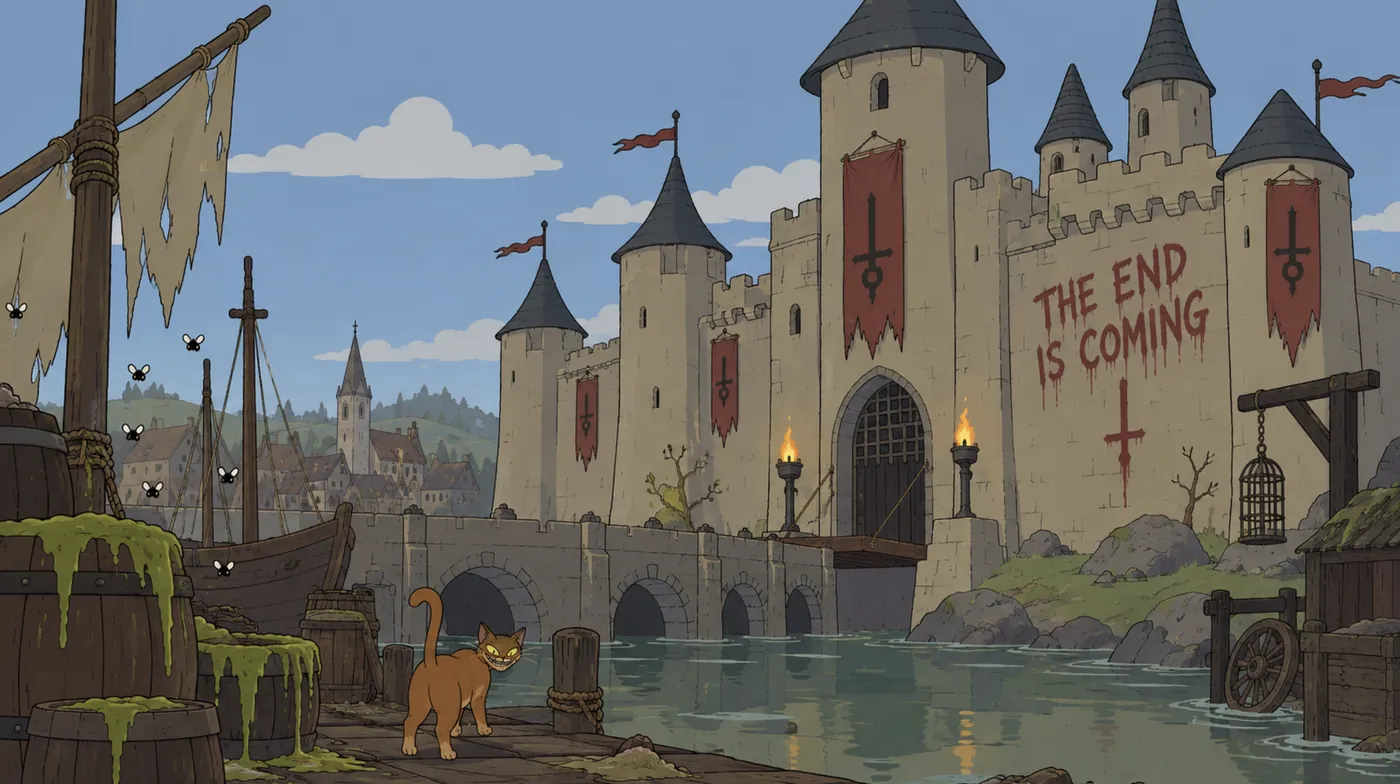 References · Grimwick Castle
Characters and places, given a look.
Generate an image of a character or a place and set it as their look. From then on, every image and shot that includes them starts from it, so Cecilia looks like Cecilia from the first scene to the last.
 Grimwick
 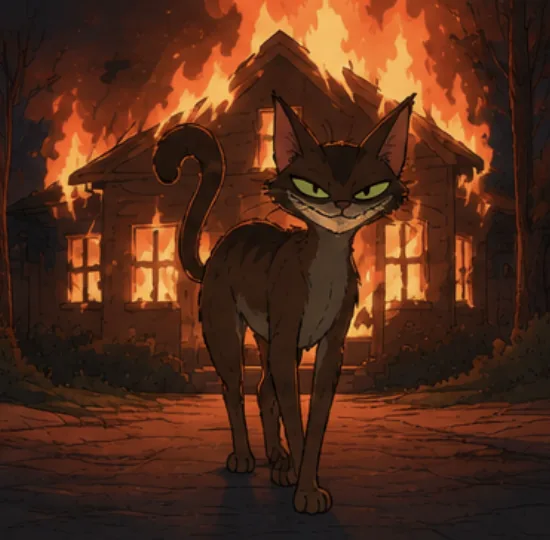 Cecilia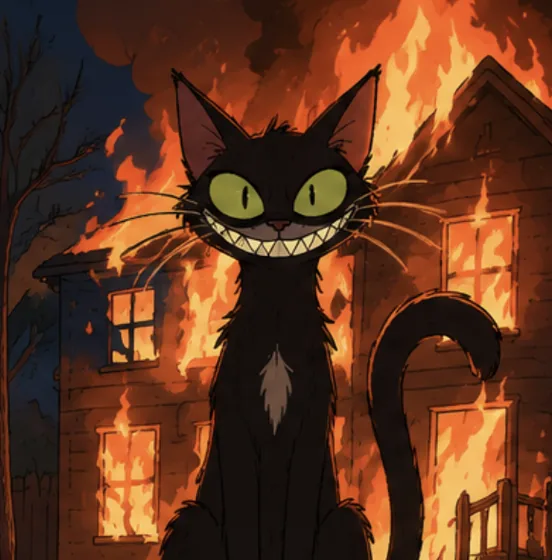
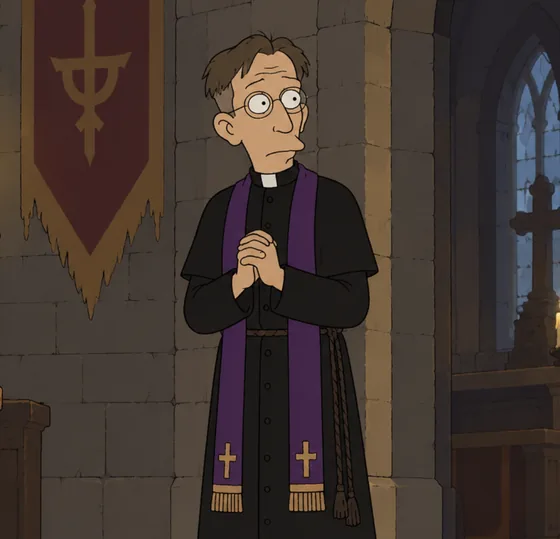
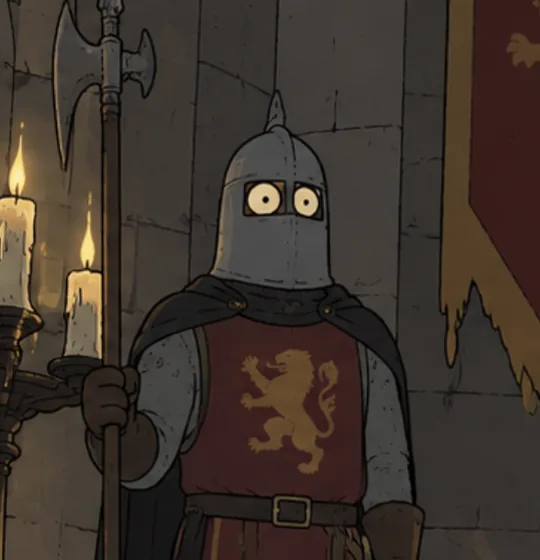
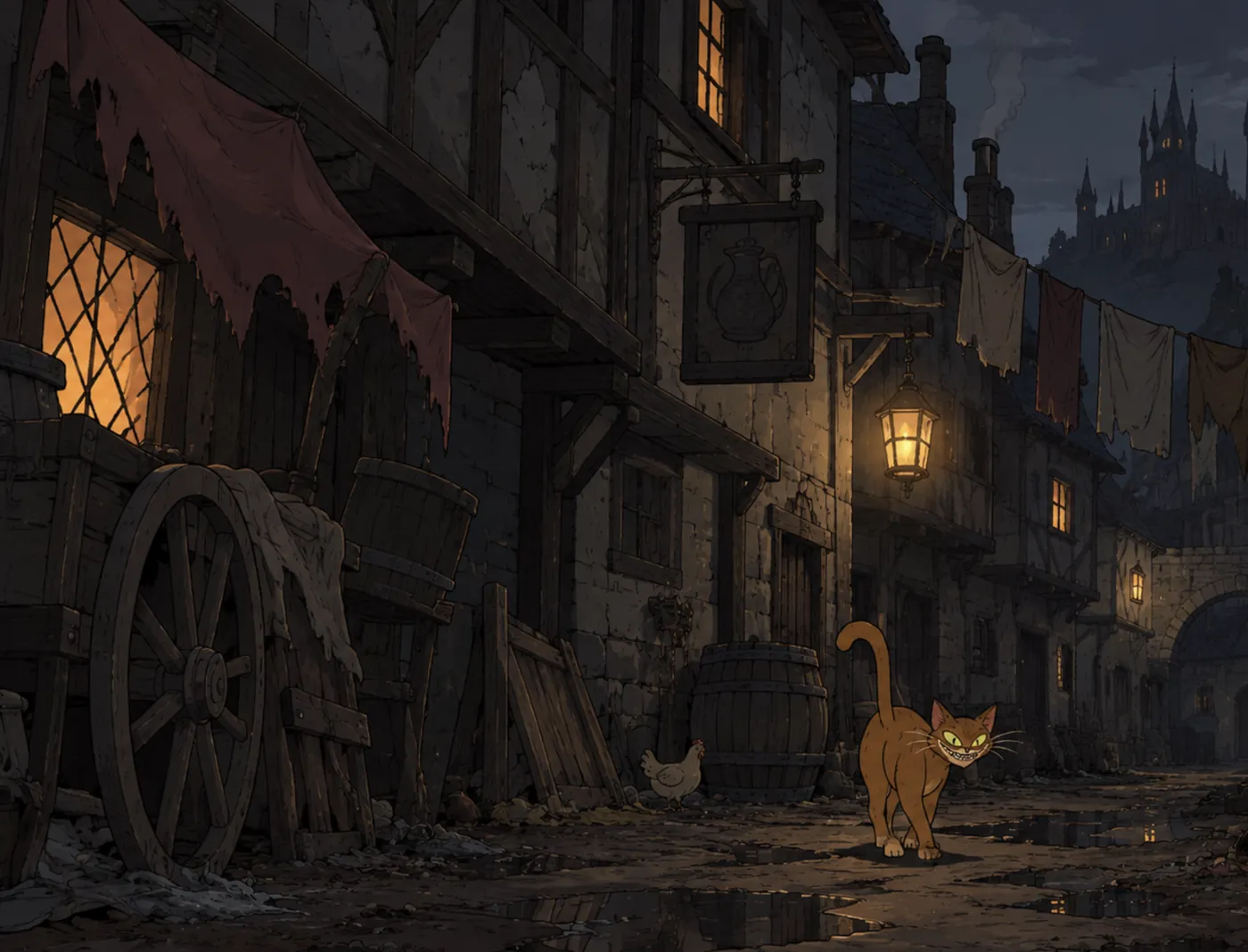
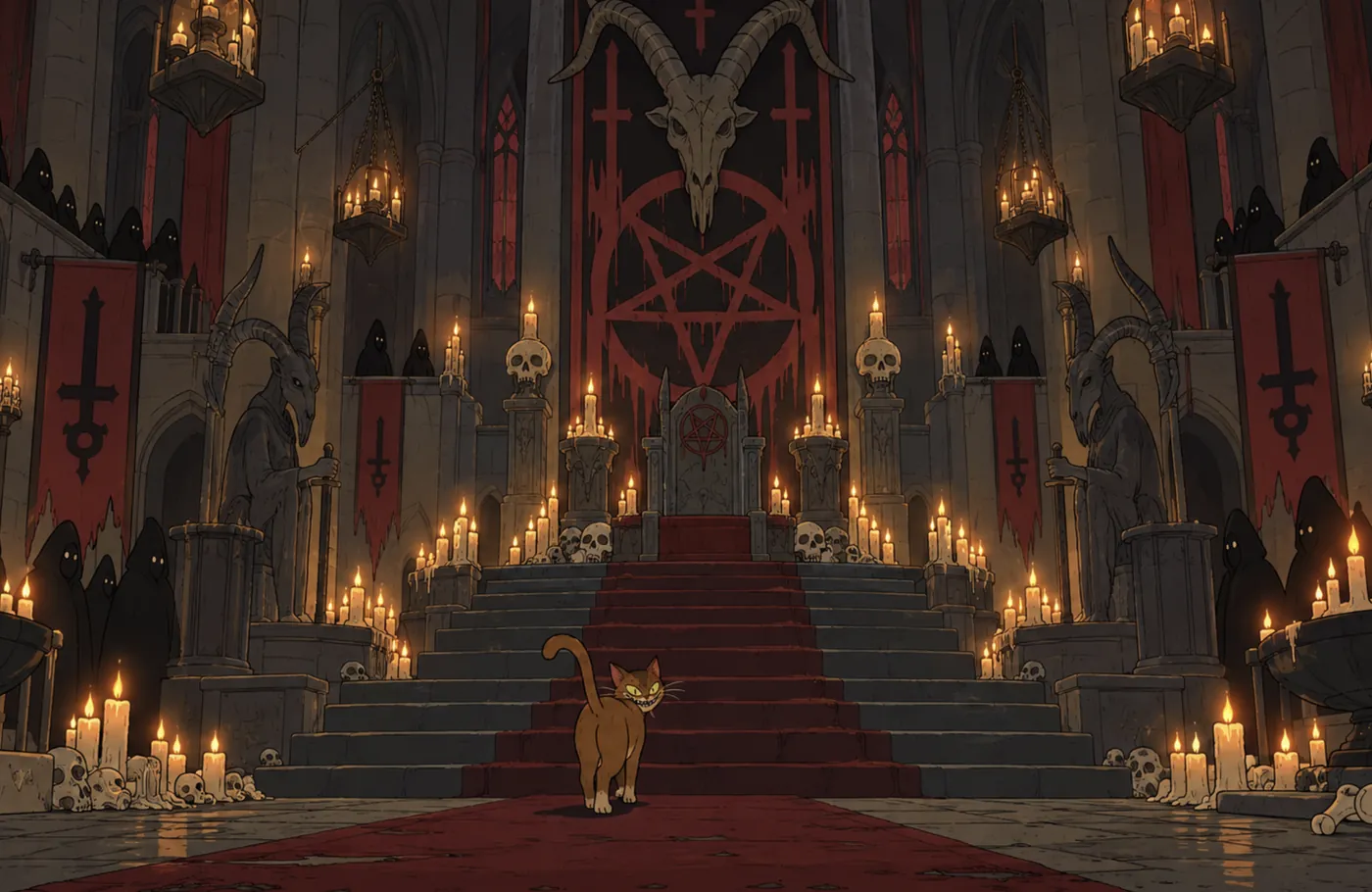
Video for the shot you planned.
Open a shot, write its direction, and generate a take. The job runs in the background, Queued, Generating, Processing, Ready, while you keep working. Select the take you want, and the working draft of the film plays it.
References that come from your project.
Add characters, places, scenes, Whiteboard images or Production media with @ in the prompt. If a reference doesn’t suit the model, Scriptr says so and offers a fix.
Settings that stay out of the way.
Auto chooses a model and tells you which and why, or pick one yourself. Set the length and frame, and let the project’s visual style keep every shot in the same world.
See the cost before it runs.
Every generation opens a confirmation with its cost in generation credits and your balance after it. Credits are reserved when you confirm, used when the take is ready, and restored if nothing usable comes back.
Saved to the project.
Everything you generate is kept in Production with the shot, the prompt and the settings it came from. Add it to a scene, set it as a look, use it as a reference, or share it for review.
Image and video generation are part of the Director plan.