

Voice Studio
Hear your characters.
Find their voice, try the dialogue and hear how the scene plays before anyone steps on set.

A voice for every character.
A voice belongs to the character, like their name and their look. Choose one from the library, filtered by accent, age and quality, or describe the voice you hear in your head and Voice Studio offers three versions.
Open it from any character’s profile. Groups, such as a crowd, don’t have a single voice.
Audition the line.
Try a voice on the character’s real dialogue, straight from your screenplay, with its scene and place beside it. Or type a test line: it is marked as a test and never added to your script.
 Grimwick



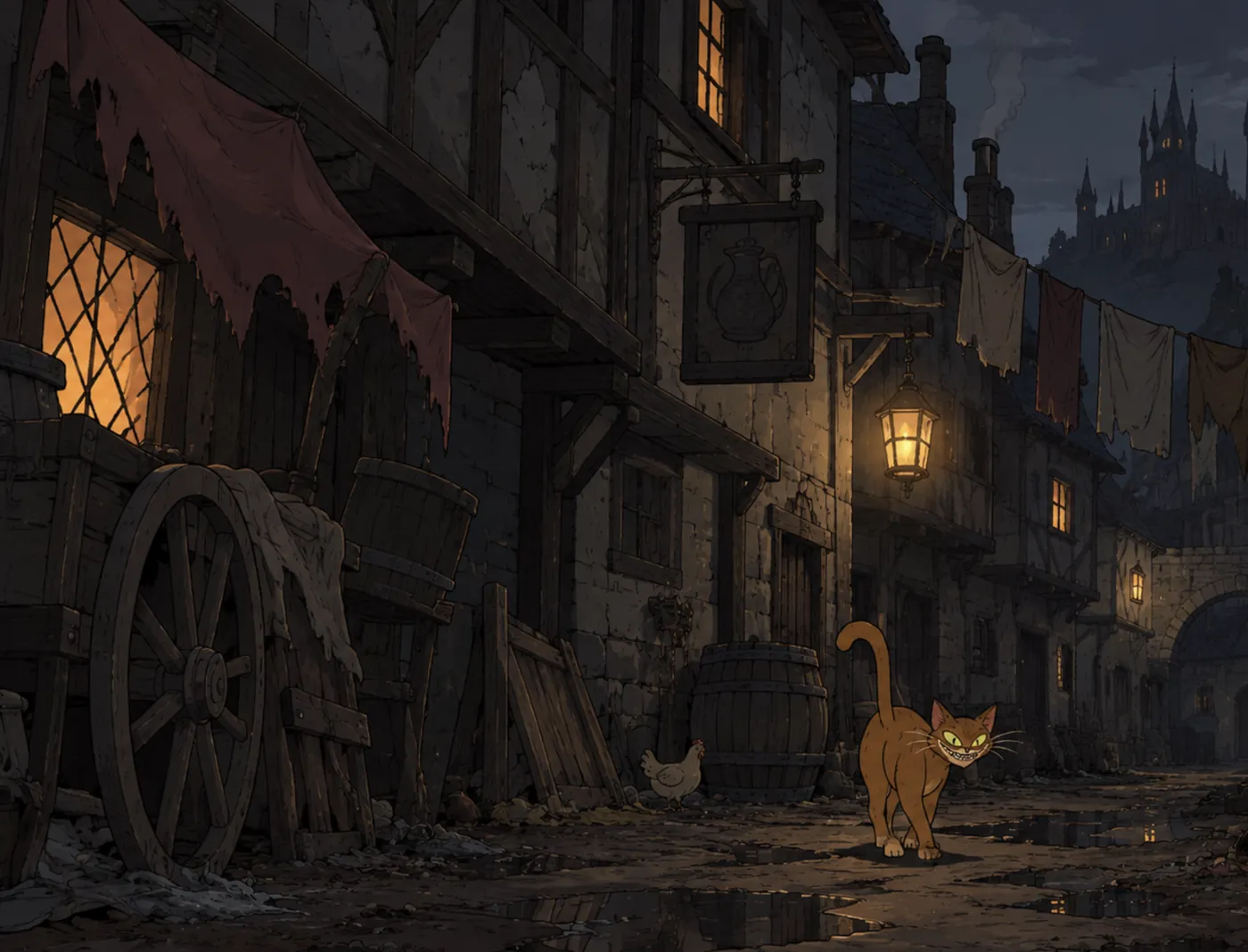
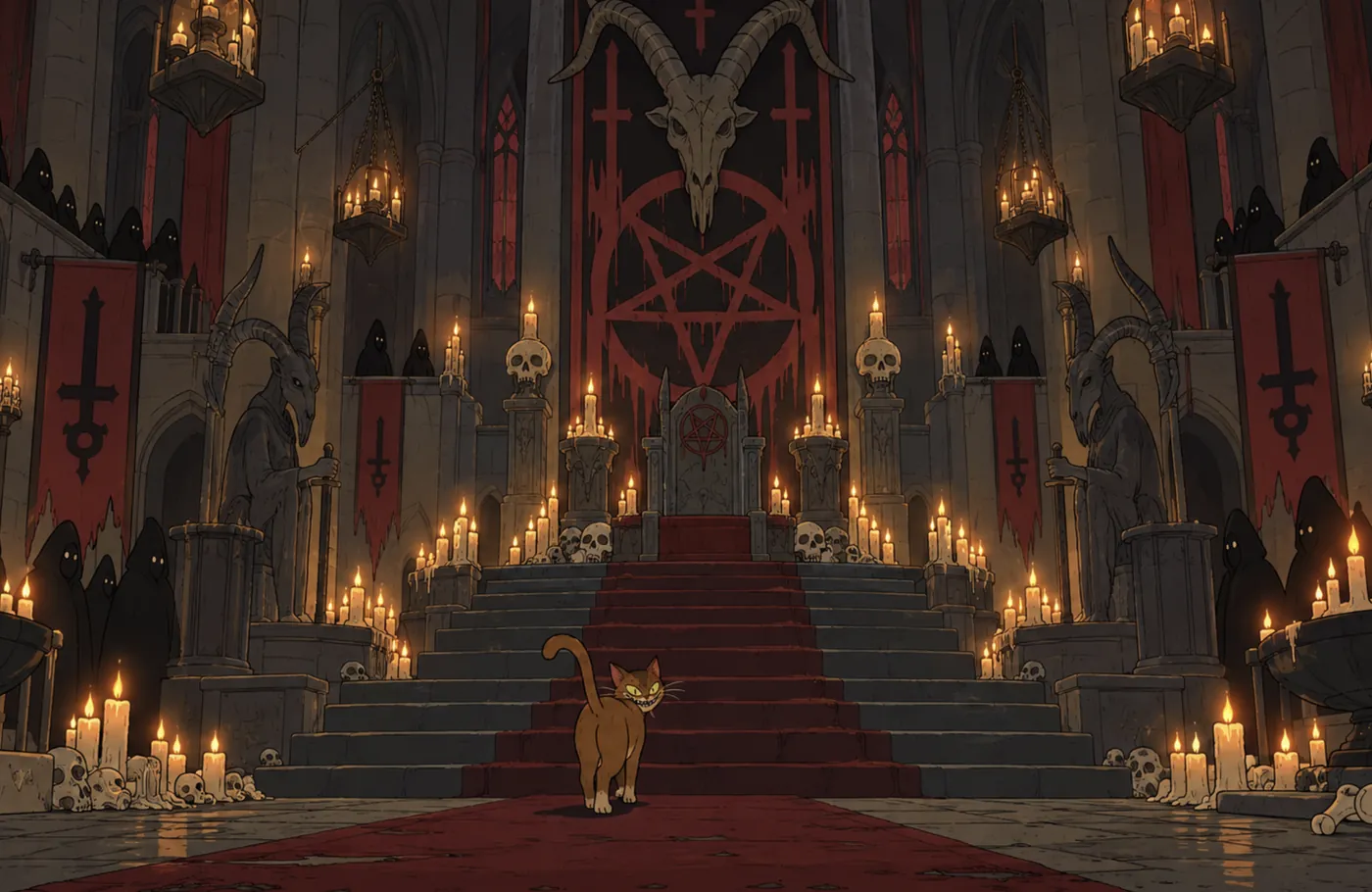
Compare performances.
Put several voices on the same line and hear them side by side. When one is right, choose Use for and the character’s name. If a take can’t be performed, it says so, uses nothing, and the others stay playable.
Keep the voice consistent.
- One voice per character, used everywhere they speak.
- Takes, single performances, are kept separately. Keeping or removing a take never changes the voice.
- Change the voice whenever you like, with Undo straight after.
From Script into Production.
Hover a character’s name in Script to hear their line in their voice. In Production, the same voice comes with them into shots and takes, so the cut plays the way the page reads.
Voice Studio is part of Writer and Director. New speech uses your plan’s generation allowance; replays never do.