

Character and place profiles
A profile holds everything about a character or place: description, looks, voice and where they appear.
Every character and place in a project has one profile. Story, Script, Co-writer, Whiteboard and Production all refer to it, so a change to the profile is seen everywhere.
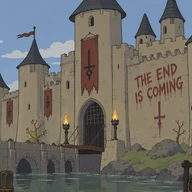 Grimwick
 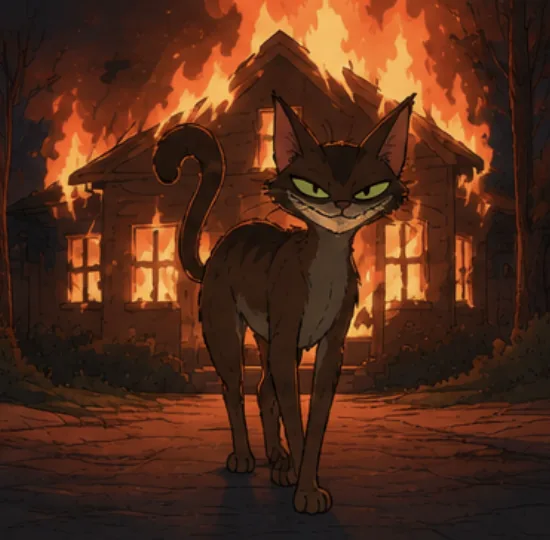 Cecilia
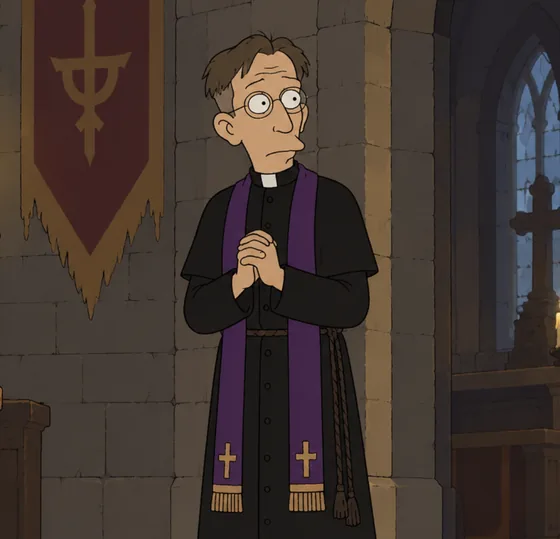

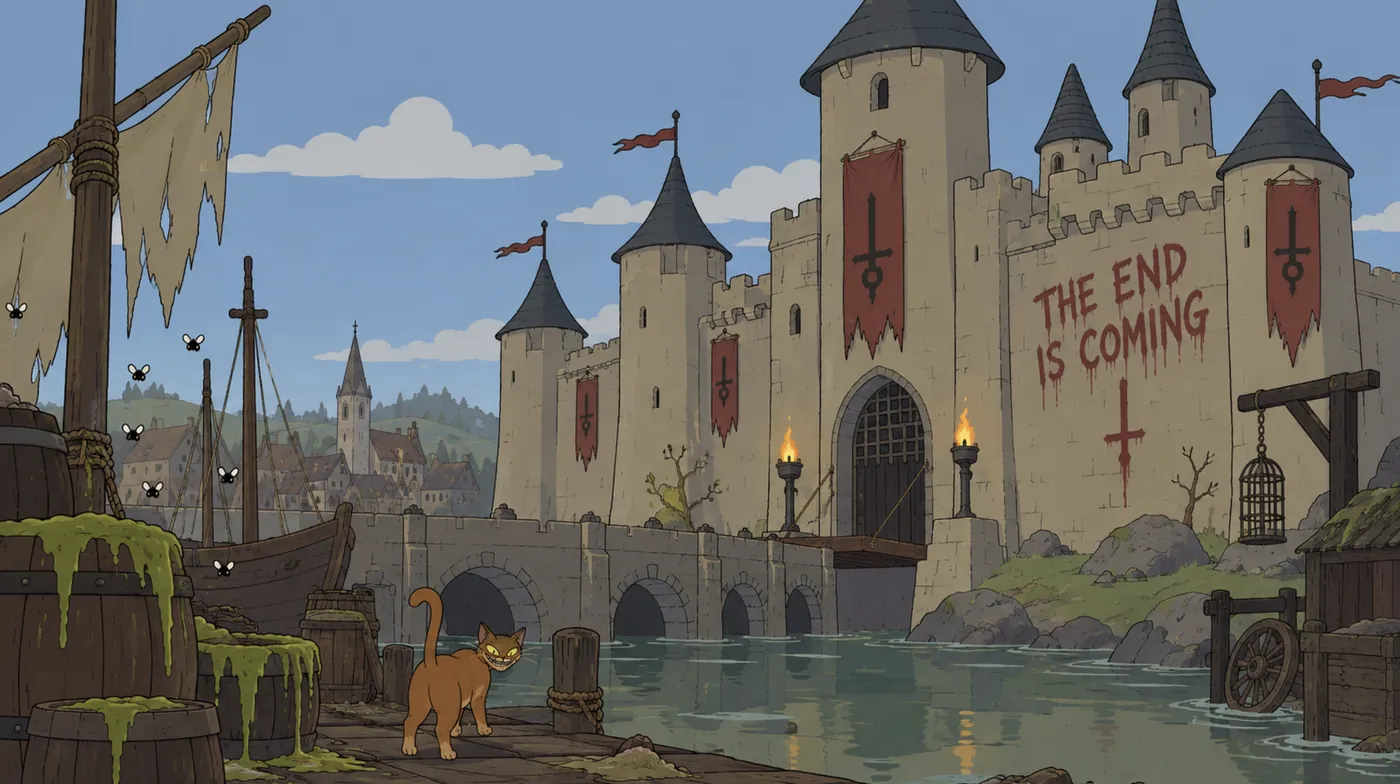
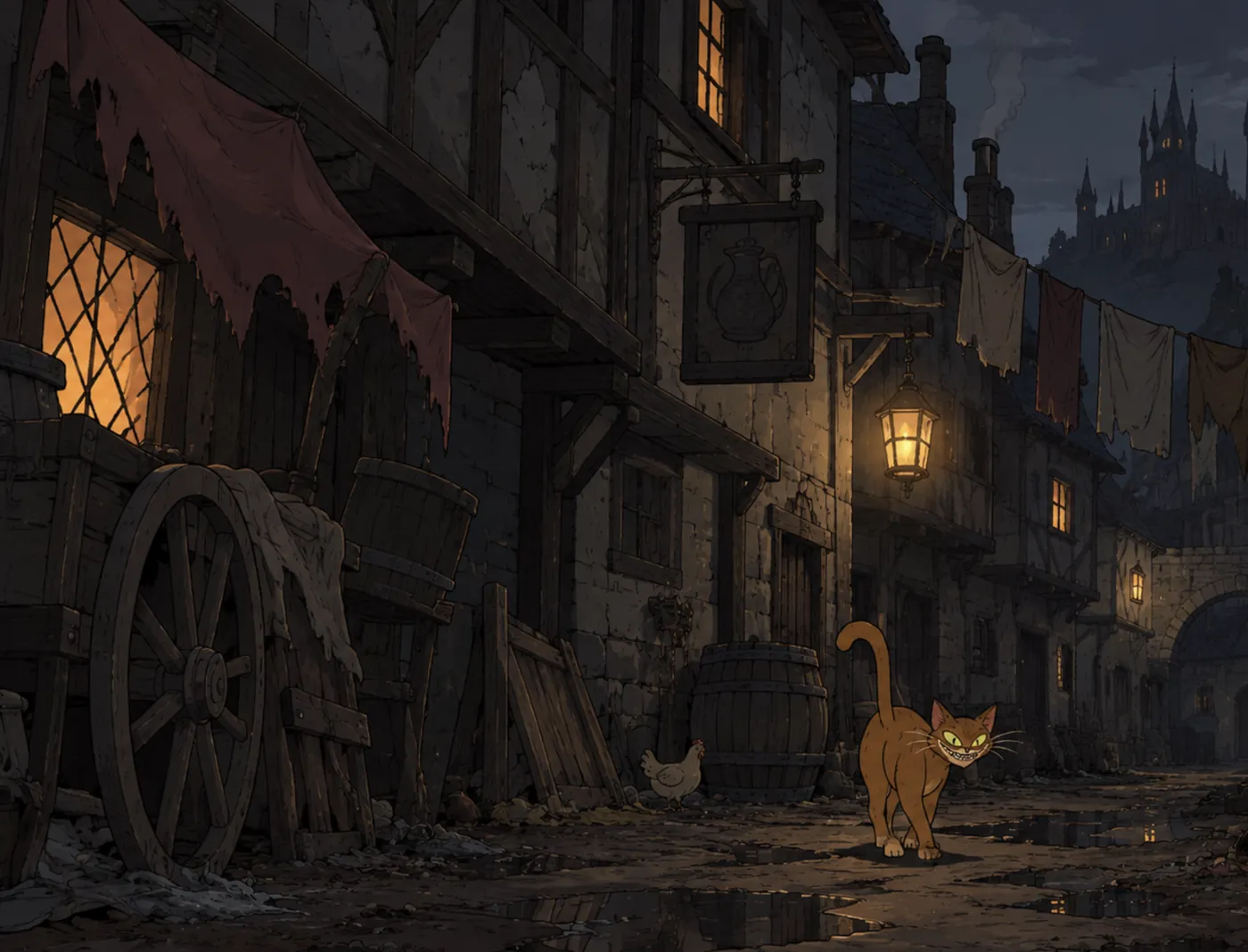
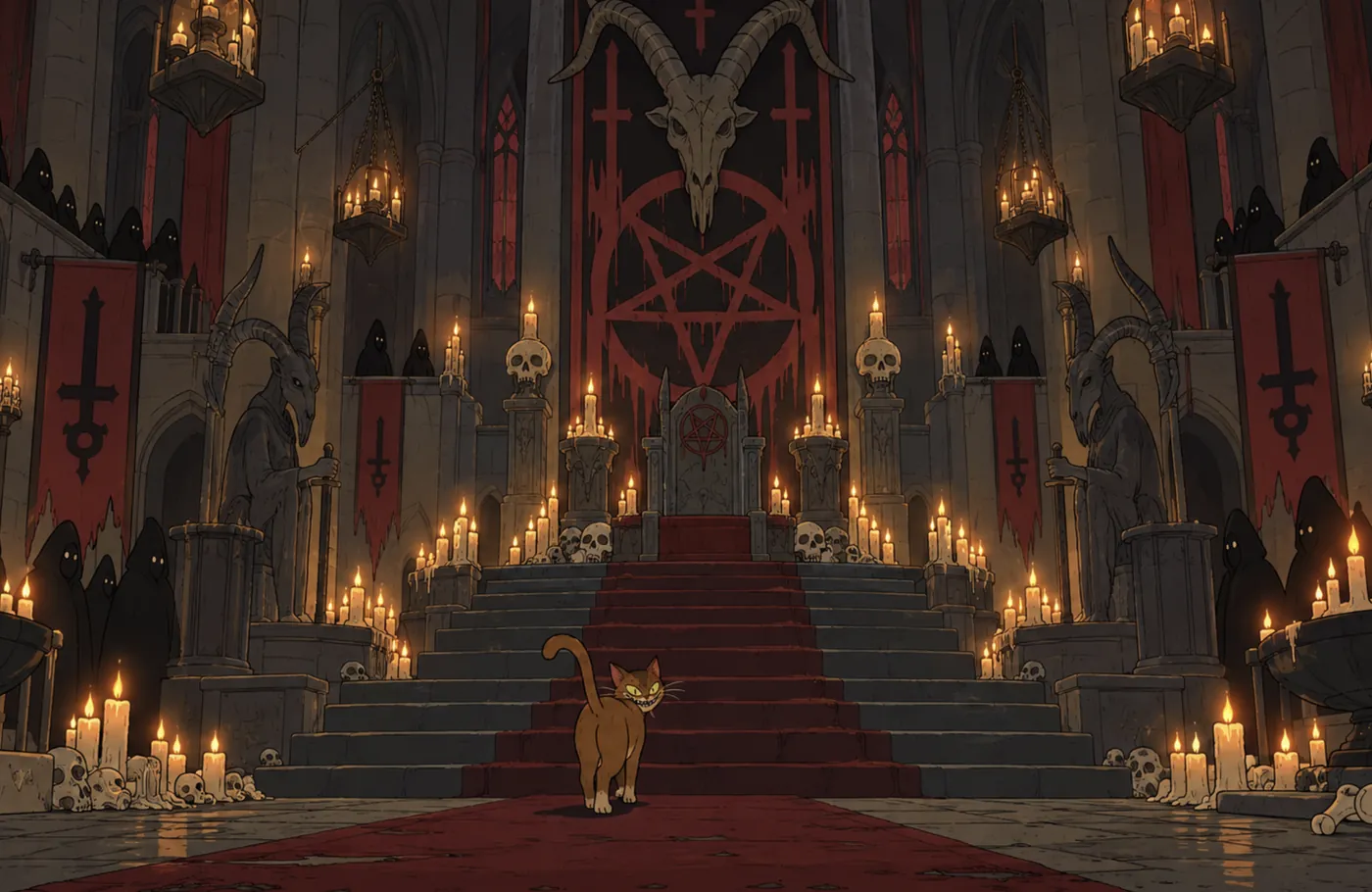
What a profile holds
- Name and description: who they are, in your words.
- Looks: images of how they appear. The primary look is outlined and badged; other looks can be kept for one shot only. A profile without a look shows a monogram, and Add a look.
- Voice (characters only, on Writer and Director): their chosen voice, its sample and their kept takes. See Introducing Voice Studio.
- Appearances: the scenes and chapters they are in.
Previews
Wherever a character or place is linked, in Story, Script or Co-writer, you can preview them without leaving the page:
- Hover for a light preview: image or monogram, name, type, one line and Open.
- Click to pin a richer preview with their looks, voice and appearances. Esc closes it and returns you to where you were.
In Script, hovering a character’s name above their dialogue shows that scene’s context and their line, with Open character and Ask Co-writer.
Profiles without images
A profile works fully without any images. Generation uses the written description when a character or place has no look. See Images for character and place looks.
Last updated